Here's what owners say when nobody's selling them anything.
"I end up spending hours each week fixing the spreadsheet instead of actually running my business."
That's a contractor on r/smallbusiness.
"Before recording a payment in Jobber, I have to go into QuickBooks and make sure no late fees were added"
That's from a 1-star Jobber review on Trustpilot. The review keeps going: then back to Jobber to enter the payment correctly.
"I'm looking for a simple way to enter monthly sales data from Square to QBO without having to sync up the transactions"
And that's a retailer on the Square Seller Community.
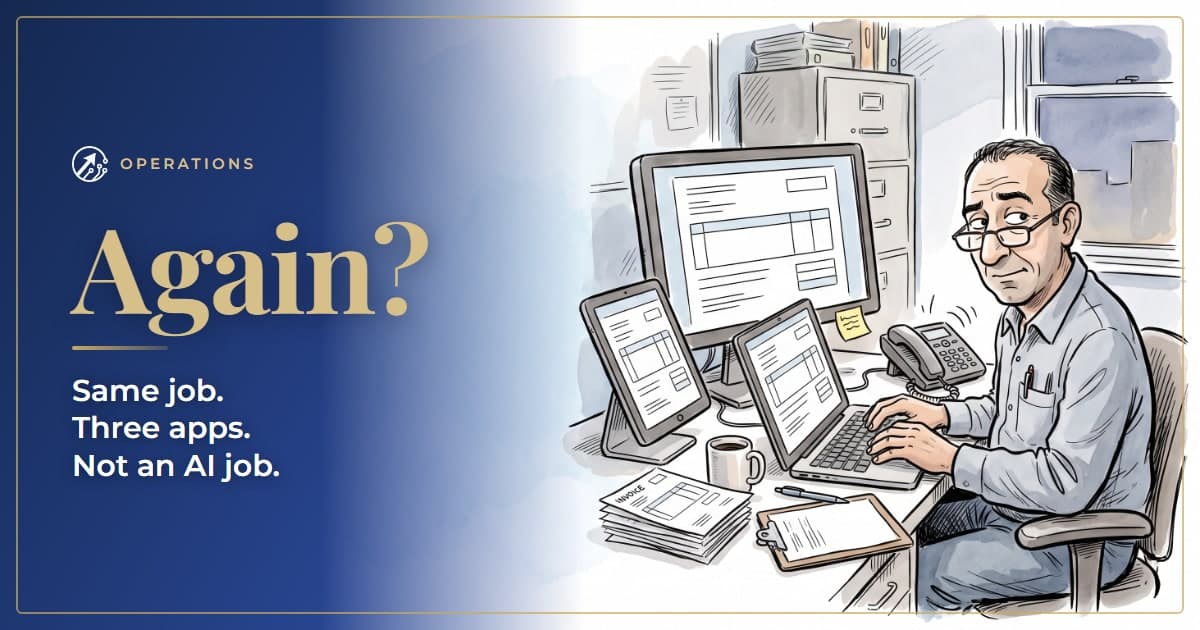
Three businesses. Three different tools. Same problem. The customer, the job, the payment... typed in one place, typed again somewhere else, then checked against a third.
I went looking for the complaints small business owners make most about running the business. Reddit, review sites, owner forums, seller communities. This one came up more than anything else. 17 separate sources, five industries: field service, retail, ecommerce, insurance, contracting.
And here's the thing. Almost none of it needs AI.
Why this happens
Nobody sets out to type everything three times. It happens one app at a time.
You bought a scheduling tool because the whiteboard stopped working. Then accounting software because your CPA asked. Then a POS, a CRM, and a spreadsheet for whatever the other two don't track. Each one solved a real problem the day you bought it.
What nobody decided was which one holds the real record. So the customer's name lives in three places, and you're the cable connecting them.
Look at that Jobber review again. That owner's two tools are already connected. But Jobber's QuickBooks sync runs one way, from Jobber to QuickBooks. Anything changed on the QuickBooks side doesn't come back. So they check both by hand. Connected isn't the same as set up for how you actually work.
Run this check before you buy anything
Pick one job from last week. A real one. Follow it from the first phone call to the money in the bank, and write down every place a piece of it got typed.
- Where did the customer's name and number go first?
- Where did the quote get built?
- Where did the job get scheduled?
- Where did the invoice come from?
- Where did the payment get recorded?
- Which spreadsheet did any of it land in after that?
Now count how many times a person entered the same name, the same address or the same dollar amount.
Anything over one is the problem. That count is your starting point, not a vendor's demo.
Cheapest fix first
Here's the order I'd work it in. Most owners can stop at step one or two.
- Turn on the connection you already have. Most of the POS and field service tools owners use connect to QuickBooks Online. Some build it in, like Jobber, Housecall Pro, ServiceTitan and ServiceM8. Others get it through a connector in an app store, like Square or Shopify POS (some of those connectors cost extra, so check). If yours doesn't show a QuickBooks option in its settings, look in the QuickBooks App Store before you assume it can't connect. Check your plan too, since some tools only include it on higher tiers. Still on QuickBooks Desktop? Your options shrink a lot. Then learn which direction it runs. Jobber's sends from Jobber to QuickBooks and doesn't pull changes back. Set your rules around that: which tool creates the customer, which one owns the invoice, where late fees get added.
- Pick one home for each piece of data. The customer lives in one place. Invoices start in one place. Everything else reads from there. Write it down on one page so the next person you hire follows the same rule. (That's an SOP. Yes, I'm going to keep saying it.)
- Use a scheduled sync or an import template. The Square owner didn't want every transaction synced. They wanted one monthly total in the books. That's a summary report plus a journal entry template, done the same way every month. Rules, not judgment. No AI involved.
- Bring in AI only where somebody has to read something. A carrier's PDF form. A stack of receipt photos. A supplier invoice that shows up as an email attachment. Pulling fields out of a document like that is where AI earns its spot. One rule: know where that document goes before you paste it. Customer info, bank details and policy numbers stay out of a personal chatbot account.
Notice what's missing from that list. Nobody needs an "AI agent" to copy a name from one box to another. If a vendor is pitching you one for that, they're selling you a fancy way to do something a setting already does.
Sometimes the fix is one fewer app
If your count still looks bad after step one, the problem may be the stack itself. Two tools doing the same job will always disagree. I wrote more about that in Why I Won't Sell You a Software Subscription.
The question to ask before you buy an AI tool for this
"Is somebody reading something here, or just copying it?"
Copying is a connection, a setting or a template. Reading is where AI might help.
Most of the time, it's copying.
Want to see how other owners are handling this?
That's the kind of thing we dig into in Outside the Chat Box, my Skool group for small business owners who use AI (and want to know when not to). Bring your app stack and your count from the check above. Someone in there has probably untangled the same mess.